
1. Find the event
Browse live awards nights or ticketed shows. Enter a nominee code to jump straight to a contestant, or open the ticket page for entry passes.
Voting, ticketing, and door check-in — plus a Super Admin team that can assist organizers whenever you need a hand.
Browse live awards nights or ticketed shows. Enter a nominee code to jump straight to a contestant, or open the ticket page for entry passes.

Pick how many votes to buy, or choose a ticket type and quantity. Checkout uses Paystack — card or Mobile Money. No voter login required.
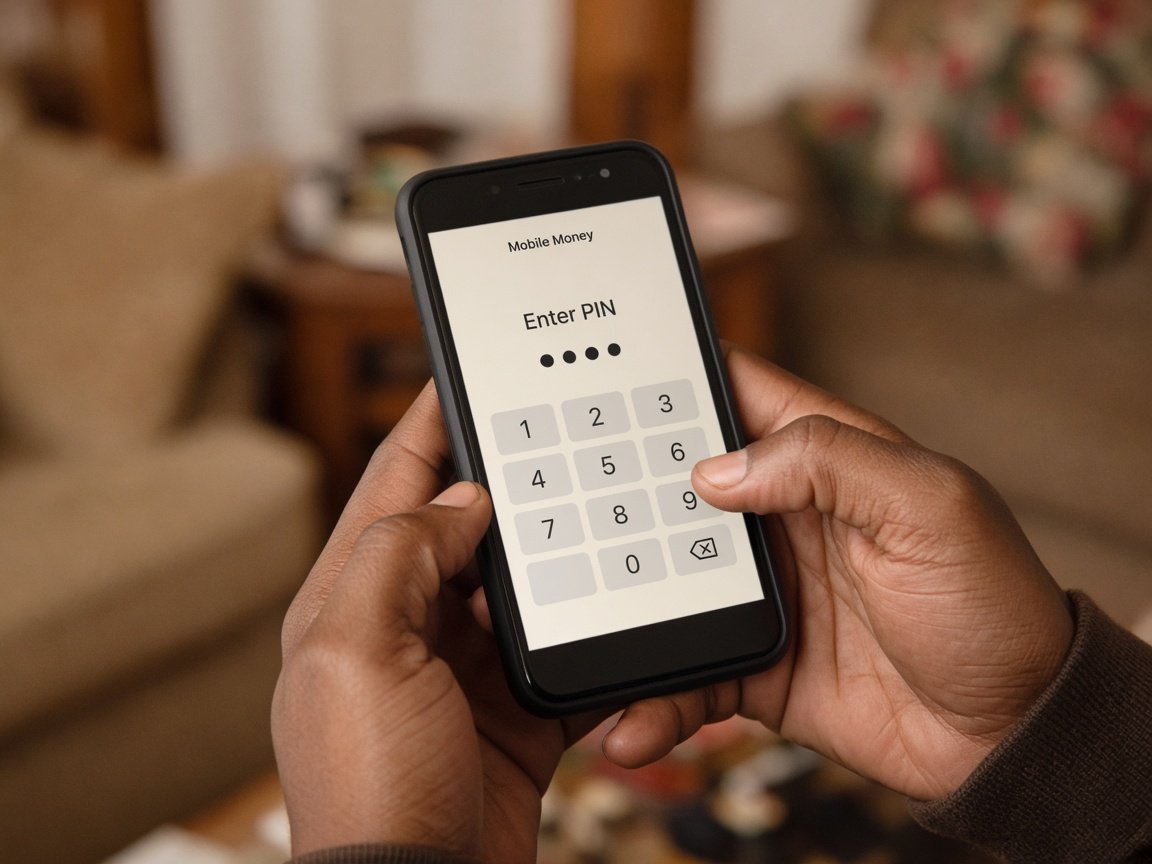
Votes count after payment is verified. Ticket buyers get a pass with QR / door number. Staff scan at the door and track attendance live.
VotePulse is actively operated. Super Admins can handle platform work on your behalf so organizers are never stuck thinking “the system won’t help us.”
Turn on your organization, verify accounts, and clear you to collect payments.
Guide categories, nominees, ticket types, packages, branding, and door staff roles.
Feature events with homepage ads and public listing controls.
Help investigate Paystack references, refunds context, and odd tallies.
Support on scanning, reopen/close, and recovery if something breaks mid-show.
WhatsApp demos, contact form, and Accra / Kumasi–based team support.